
Delete and auto advance to an email in Conversations
In Secure Mail, when you delete a message in Conversations, you can choose which message you return to.
Notes:
-
This feature is available for iOS and Android.
-
You can use this feature only if you've sorted your emails to appear in Conversations.
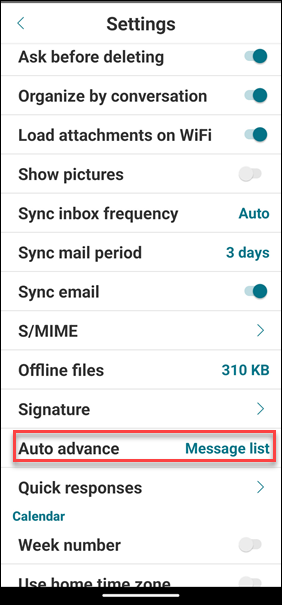
Tap the hamburger icon on the upper-left corner. Navigate to Settings > Auto Advance.
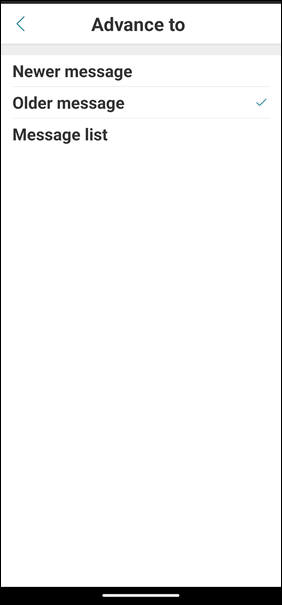
Select one of the following options:
-
Newer message – Returns to the succeeding email in the chain after you delete an email.
-
Older message – Returns to the previous email in the chain after you delete an email.
-
Message list – Returns to the conversation screen after you delete an email. This option is the default setting.
When you delete all emails in Conversations, you return to the Inbox.