Minimizing drafts
When you're writing an email, you can minimize the draft email. You can navigate in Secure Mail and return to your draft email later.
Note:
This feature is available for Android and devices running iOS 13 and later.
To minimize draft email on Android
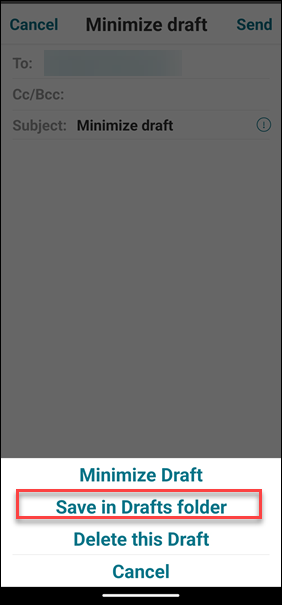
To minimize the draft email on the compose screen, you can either:
-
swipe left from the extreme edge of the screen.
-
tap Cancel and tap Save in Drafts folder.
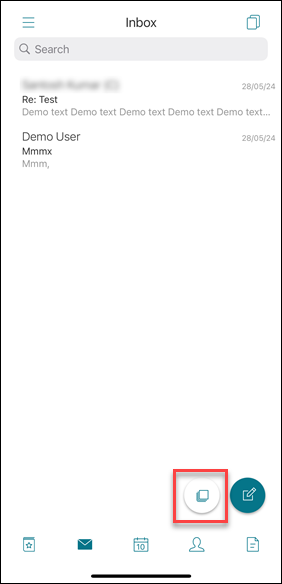
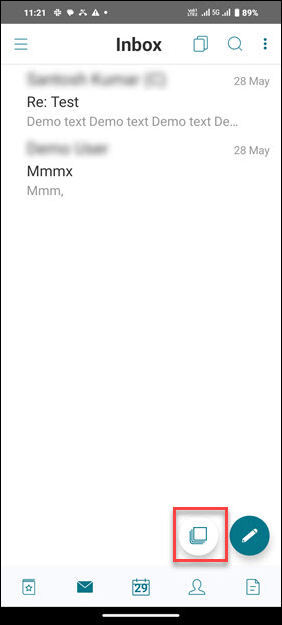
The email draft is available at the bottom of your screen. To return to the email draft, tap the minimized draft button.
To minimize draft email on iOS
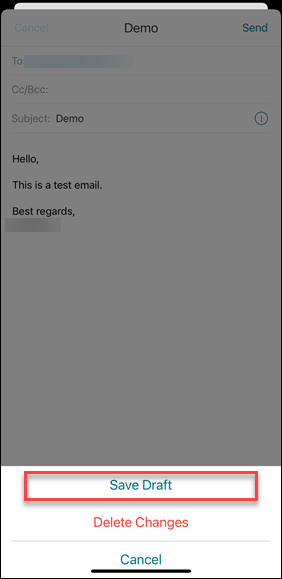
To minimize the draft email, tap Cancel and tap Save Draft on the compose screen.
The email draft is available at the bottom of your screen. To return to the email draft, tap the minimized draft button.