
View the installed version of the Citrix Workspace app
-
Open Citrix Workspace app.
-
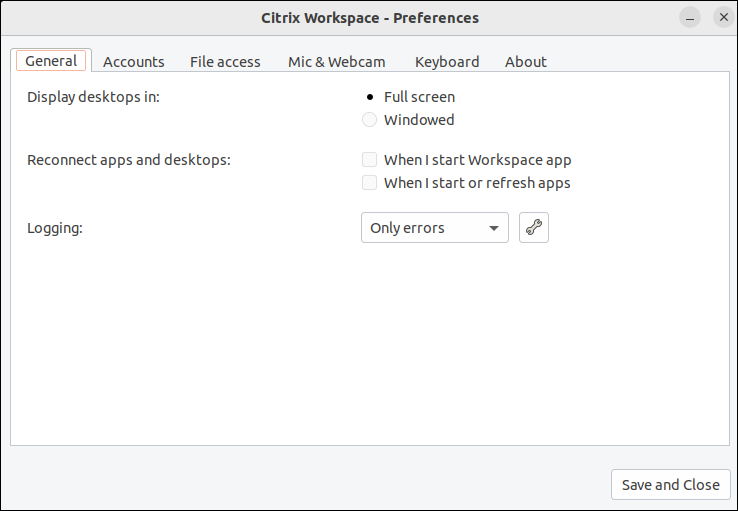
Click the account icon in the top‑right corner and click the Accounts option.Or,Click the App indicator icon in the top‑right corner and click the Preferences option.The Citrix Workspace app - Preferences screen appears.
-
In the Preferences window, click the About tab. The following screen appears:
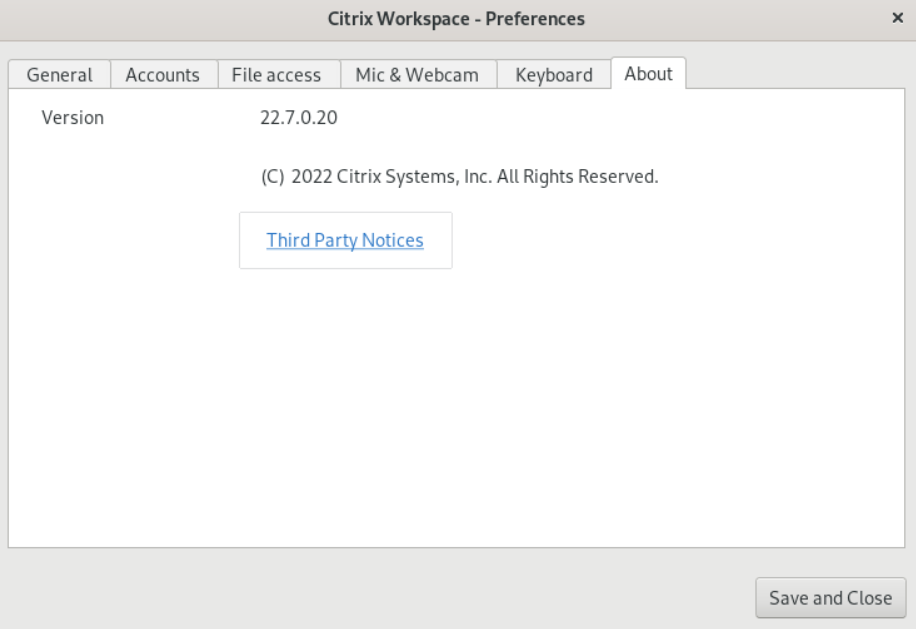
You can view the current version of the Citrix Workspace app in the preceding screen.