
Manage file access
A virtual desktop or application needs access to files on your device. You can control the extent to which this access happens.
-
Open Citrix Workspace app.
-
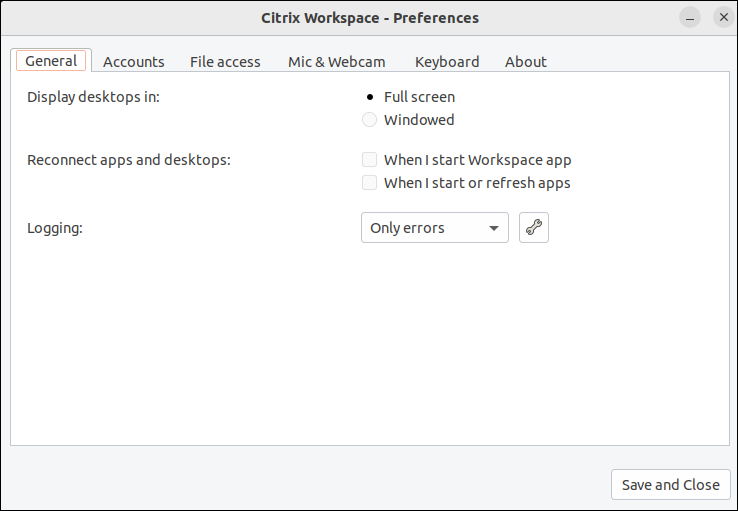
Click the account icon in the upper‑right corner and click the Accounts option.ORClick the App indicator icon in the upper‑right corner and click the Preferences option.The Citrix Workspace - Preferences screen appears.
-
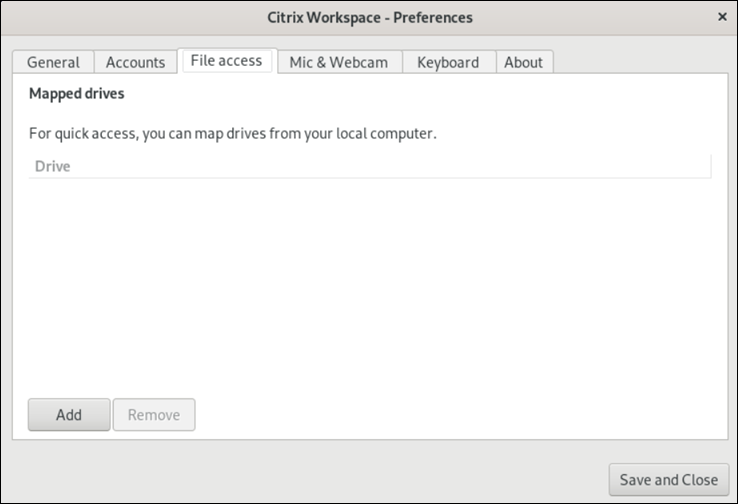
In the Citrix Workspace - Preferences screen, click the File access tab. The following screen appears:
-
Click Add, specify the location, and select a drive to map to it.
-
Click Save and Close.