Learning gestures
In your Citrix Workspace app applications, use all the familiar Android gestures, including the tap, swipe, drag, and pinch. In addition, Citrix Workspace app includes multi-touch gestures for the screen.

With the Citrix Workspace app running, tap the icon from the toolbar, tap the Android icon, and select Gestures:
| To do this: | On Android, do this: |
|---|---|
| Single click | One-finger tap |
| Right click | Touch-hold-release |
| Open the on-screen keyboard | Three-finger tap (or from the toolbar, tap Keyboard icon) |
| Zoom | Pinch in and out (or from the toolbar, tap Magnifier icon) |
| Drag | Touch, hold, and slide |
| Enable cursor | Two-finger tap |
To close the Gestures guide, tap the screen or back arrow.
Accessing recent apps by long-press gesture
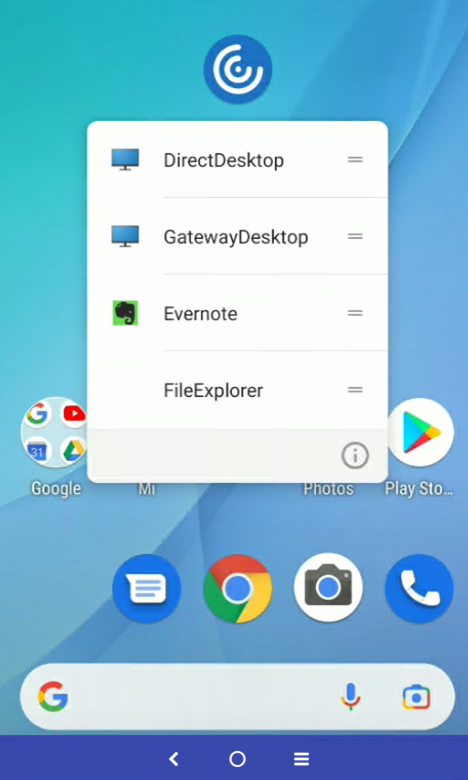
You can access a list of recently launched apps and desktops for quick access when you use the long-press gesture on the Citrix Workspace app icon.