
Install Citrix Workspace app for ChromeOS
Both end users and IT administrators can install Citrix Workspace app for ChromeOS.
Install from Chrome Web Store
The end user can install Citrix Workspace app for ChromeOS from the Chrome Web Store as follows:
-
Click the link https://chromewebstore.google.com/detail/citrix-workspace/haiffjcadagjlijoggckpgfnoeiflnem.The Citrix Workspace app for ChromeOS web store page appears.
-
Click Add to Chrome.The app is installed. Navigate to
chrome://extensionsin your Chrome browser to view the Chrome Apps.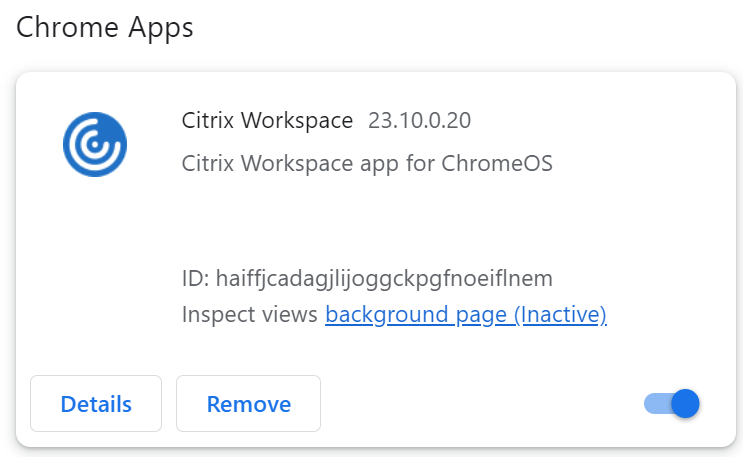
-
Search for Citrix Workspace app in the ChromeOS Launcher to use it.
Note
To start using the app, end users can enter either a valid store URL or the email address. Usually, an IT administrator gives you the store URL address or configures your email address with the associated store URLs. Adhere to your organization's guidelines.